By: Jadon Lee
October 16, 2026
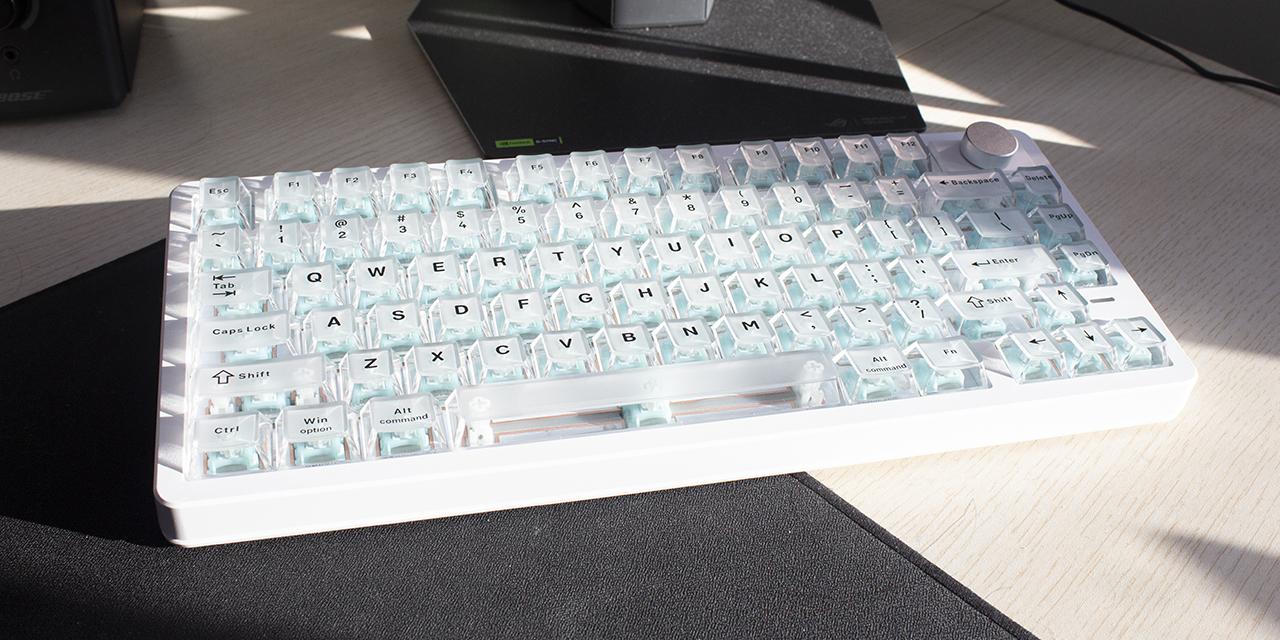
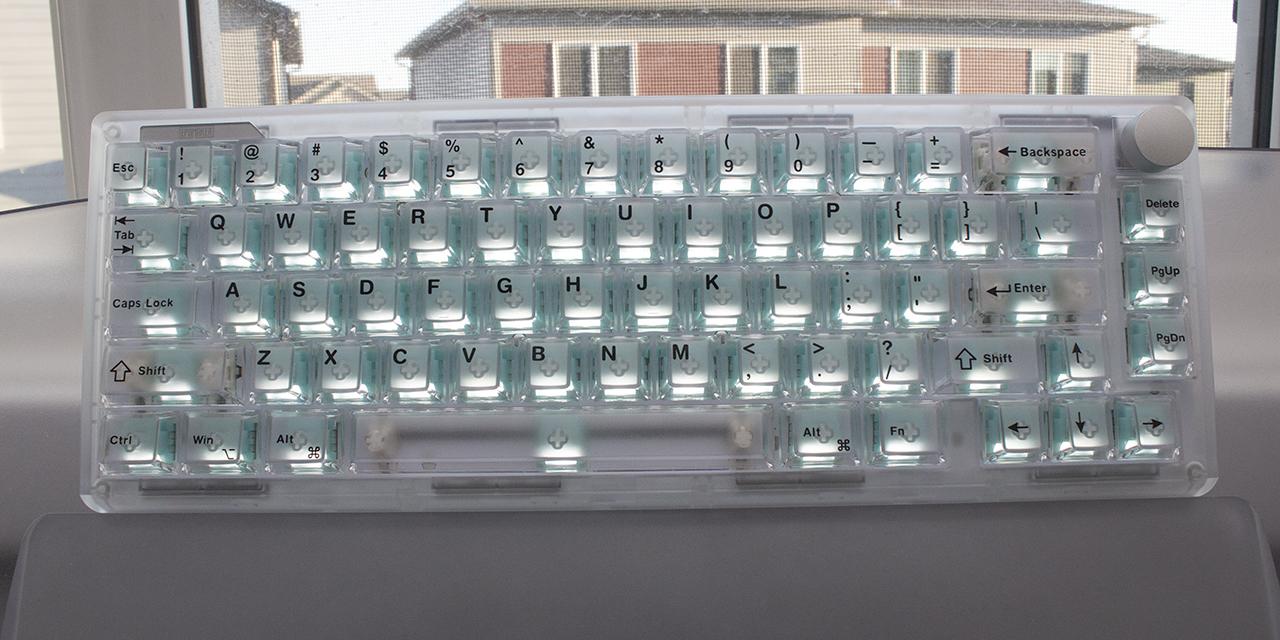
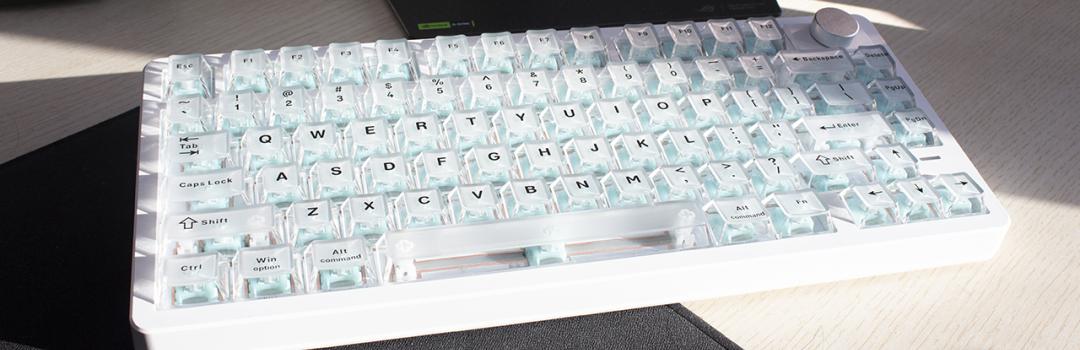
As some of you may know, I was an avid Final Fantasy XIV player, but have found the latest expansion rather disappointing. Given that, I have not really played a real MMO, as MapleStory is not what I would consider traditional. That being said, a friend of mine has recruited me to play Aion 2, as it has released this month. I gave it a try, and I honestly have not yet found the appeal of the game. I feel I am playing a mere phone game by making my character auto pilot to the next objective that I really have no care for. I probably will keep going in hopes that the game gets better, as I have seen the later content, and it does give me the same feeling as Final Fantasy XIV. I will note the character creation in this game is simply magnificent. There were sliders for parts of the eyes that I swear nobody actually cares about. There was so much detail I would have never considered for a character creation menu, and it leads to some really pretty looking characters. I find it to be the case for a lot of the things where the exterior is beautiful, but the actual thing in question is rather bland. I see this in particularly keyboards where I can find it visually appealing, but be disappointed by their performance. Today, we have the Epomaker HE75 V2 TMR for review. The Epomaker HE75 V2 TMR is an appealing looking keyboard, but will its performance back it up? Keep reading to find out!

Our review unit of the Epomaker HE75 V2 TMR came alongside the HE65 V2 TMR, TH65, and the Nex Lite in tightly wrapped plastic that covered many layers of bubble wrap underneath. The box was shipped to us here in Calgary, Alberta from Shenzhen, China via eMile Express. The shipping process was decent, having a few scuffs and marks on the package. I was not worried about the condition of the product itself, as there was no noticeable damage.

The Epomaker HE75 V2 TMR’s box design is relatively modern, using blue, white, and black. The front displays the HE75 V2 TMR on the left side of the box, with Epomaker branding on the top left. The bottom displays the product name alongside some features. The side of the box shows some specifications. Personally, I do not mind this, as I appreciate the lack of clutter, and the simple design is easy to navigate.
Before we continue, here are the specifications for the Epomaker HE75 V2 TMR, as specified by the manufacturer’s website:
Brand: EPOMAKER
Model: HE75 V2 TMR Version
Layout: 75% Layout, ANSI US Layout, QWERTY Layout
Number of Keys: 80 Keys + 1 Knob (Knob is swappable as 2 Keys)
Battery: 8000mAh Battery (4000mAh*2)
Connectivity: 2.4Ghz / BT / Wired
Compatibility: Mac/WIN/Android
Front Height: 1.9cm
Back Height: 3.29cm
Typing Angle: Three Angles at 5.8°, 9° and 12° with the 2-stage Adjustable Kickstand
Case Material: ABS Plastic
Plate Material: FR4 Plate
Flex-Cut: No Flex-Cut Plate or PCB
Stabilizers: Plate-Mounted Stabilizer
Mounting Structure: Gasket-Mount
Sound Optimizing: 5-layer Sound-Optimizing System including Sandwich Latex Foam, Switch Pad, PET Sound Enhancement Pad, Noise Absorbing Foam and Bottom Silicone
Keycaps Profile: Cherry Profile
Keycaps Material: PC Keycap, Matte Transparent
Keycaps Manufacturing Technique: Silk Print
Switch: Factory Lubed Magnetic Switch
Hot Swappable: Yes, Magnetic and 3/5-Pin Mechanical Switches
RGB: Dynamic RGB Backlight, Per-Key Adjustable South-Facing LEDs, Adjustable RGB Front Light
Polling Rate: 8000Hz (USB/2.4Ghz) or 125Hz (BT)
Scan Rate: 128KHz
Latency: 0.1ms (Wired), 0.58ms (2.4Ghz) and 15ms (BT)
Software: Yes, EPOMAKER 3.0 Software (EPOMAKER V4)
Keyboard Dimensions: 32.4 × 13.8 × 4.3cm
Keyboard Weight: 0.98kg

Out of the box, you will receive the Epomaker HE75 V2 TMR keyboard with a cable, keycap/switch puller, extra switches, extra keycaps, and a user manual. The keyboard has a plastic cover to prevent any surface scratches. I was satisfied when it came to packaging. The quality of the packaging is fairly basic, only utilizing the box and no foam.
Page Index
1. Introduction, Packaging, Specifications
2. A Closer Look - Hardware and Software
3. A Closer Look - Disassembly and Internals
4. Conclusion